If you’re planning a baby shower, or would just like to have some options saved for when people offer to buy a gift for your new baby, our Gift Registry makes it simple!

To create your Wishlist, just create an account:
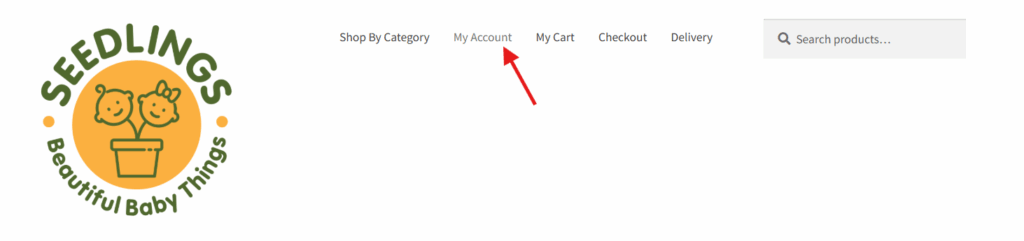
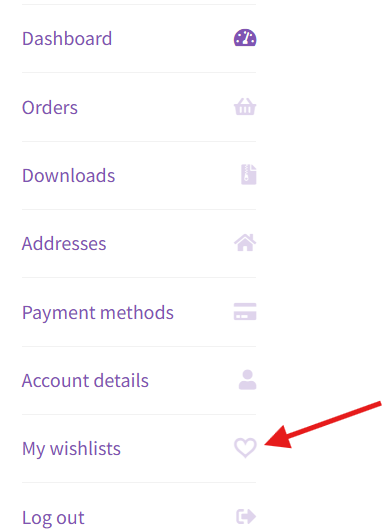
Once logged in to your account, you can access wishlists via your account dashboard or by selecting “My Wishlists” under the “My Account” tab
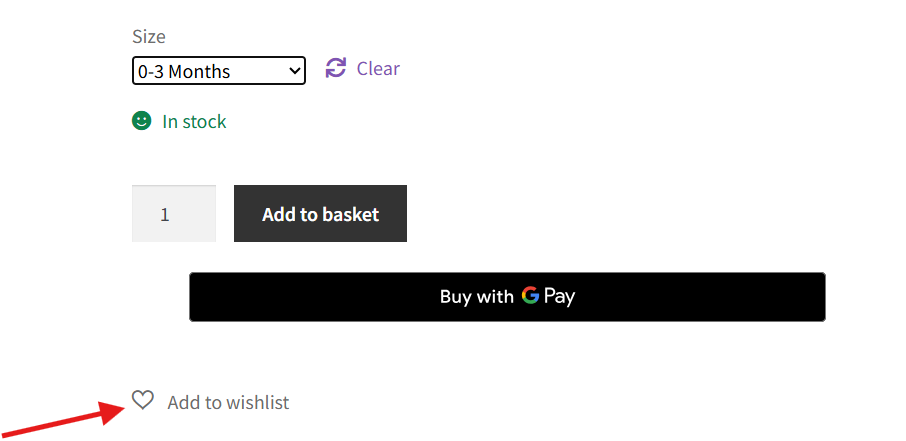
You can create as many wishlists as you like and name them however you choose. To add a product to your wishlist, simply click on the heart icon next to the product :
When you are ready to share your list, you can add notes such as “all sizes” or “any colour” before sharing your list to Facebook, WhatsApp or Email.
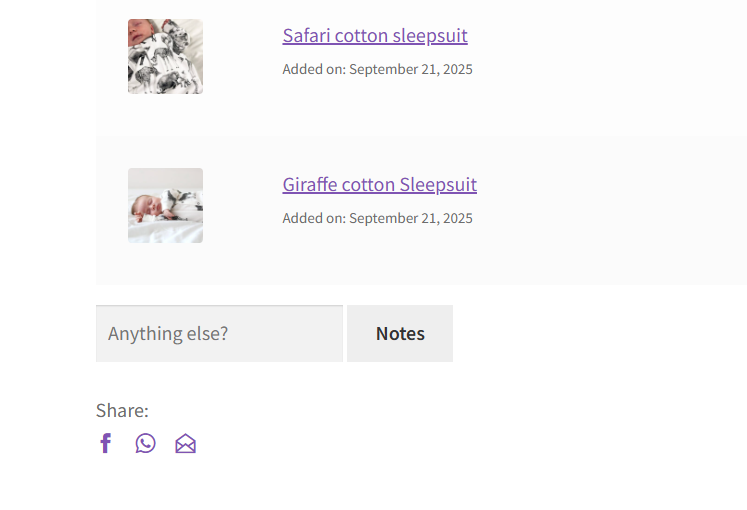
The people that you share your list with can buy directly from your list (no login required) or buy in store. Please make sure to share with us by adding our email, or by adding us to your WhatsApp or Facebook lists so that we can manage your gift registry list